If you have ever posted an Instagram Story, forgot to check the viewers, and then came back the next day with the social-media equivalent of “Wait… who was lurking?” you are not alone. This is one of the most common Instagram questions because the platform makes Stories feel simple on the surface, but the viewer data has a timer attached to it. And no, Instagram does not exactly put up a giant neon sign explaining the rules.
Here is the short version: yes, you can still see who viewed your Instagram Story after 24 hours, but only for a limited time. Once the Story disappears from public view, Instagram gives you a short grace period to check the viewer list. After that, the specific usernames are gone. At that point, you may still see broader performance data through Instagram Insights if you use a professional account, but not the full list of individual viewers.
So if you are searching for answers about Instagram Story viewers after 24 hours, how to see who viewed your IG Story, or whether there is a secret trick to recover old viewer lists, this guide will walk you through what is real, what is rumor, and what is pure internet nonsense wearing a fake mustache.
Can You See Who Viewed Your Instagram Story After 24 Hours?
Yes, but only within Instagram’s limited viewer window.
When your Story has been live for 24 hours, it disappears from your followers’ Story tray unless you add it to Highlights. That part is normal. What many people do not realize is that the Story’s viewer list does not vanish immediately at the 24-hour mark. Instagram still lets you check who viewed it for a bit longer.
In plain English, that means this:
- 0 to 24 hours after posting: Your Story is live, and you can see the viewer list normally.
- 24 to 48 hours after posting: The Story is no longer live for others, but you can still access the viewer list through your archive.
- After 48 hours: You can no longer see the full list of usernames who viewed that Story.
That is the rule that matters most. If you are trying to figure out how to see who viewed your Instagram Story after 24 hours, the answer is not “forever,” and it is definitely not “download a magic app.” It is simply this: you have a 48-hour window from the original posting time to check names.
How to See Instagram Story Viewers After 24 Hours
If your Story has already expired but it has been less than 48 hours since you posted it, you can still check the viewer list by going through your archive.
Method 1: Open the Story from Your Archive
- Open Instagram and go to your profile.
- Tap the menu in the top-right corner.
- Tap Archive.
- Make sure you are viewing your Stories Archive.
- Open the Story you want to check.
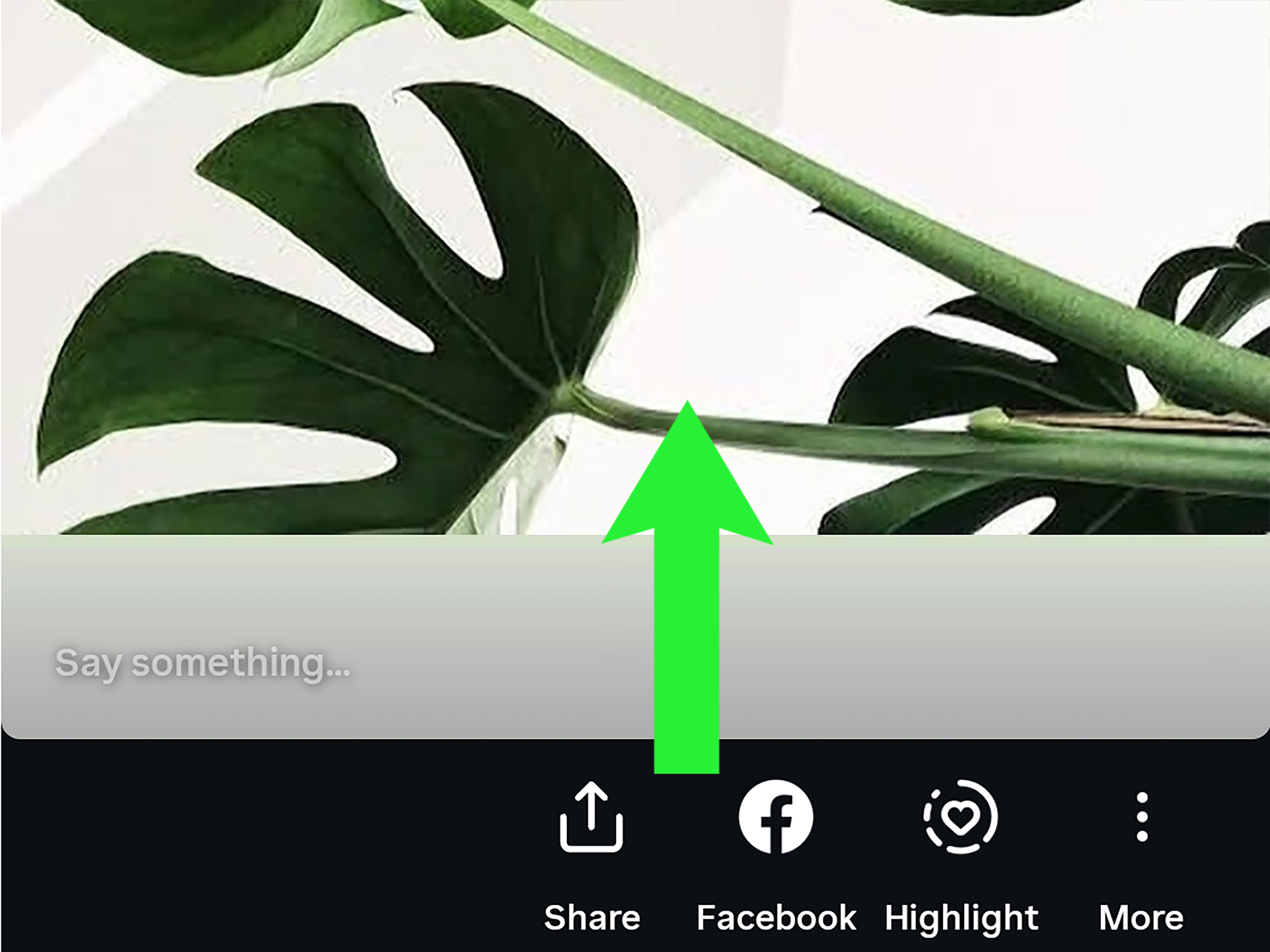
- Swipe up or tap the activity/viewer area if it is still within the allowed viewer window.
If the Story is still within 48 hours of its original posting time, Instagram should show you the usernames of the people who viewed it. If it is older than that, the names will no longer appear.
Method 2: Check Through Story Insights on a Professional Account
If you use a Creator or Business account, Instagram may still show performance data for past Stories in your Insights section. This is useful, but there is an important catch: Insights are not the same thing as the viewer name list.
Insights can help you review things like:
- Reach
- Impressions
- Replies
- Link taps
- Profile visits
- Navigational actions like taps forward, back, or exits
That data is helpful if you care about performance. It is less helpful if you are trying to answer the deeply human question: “Was it my ex, my boss, or that one random person from high school?”
So yes, older Story analytics may still exist. But analytics do not restore the individual viewer usernames once that viewer-list window has closed.
What Happens After 48 Hours?
After 48 hours, Instagram stops showing the names of the accounts that viewed your Story. This is the point where many users start googling things like:
- “How to see old Instagram Story viewers”
- “Recover Instagram Story viewer list”
- “App to see who viewed my Story after it disappeared”
Unfortunately, the honest answer is not very dramatic: you cannot recover that full viewer list once Instagram removes it. There is no hidden button, secret setting, or reliable third-party workaround that safely restores the names.
That means if someone promises unlimited access to your old Story viewer history, proceed with caution. At best, the claim is outdated. At worst, it is a privacy or security risk wrapped in flashy marketing.
Can You See Who Viewed Your Instagram Highlight Later?
This is where a lot of people get tripped up.
Instagram Highlights can keep your Story content visible on your profile long after the original 24-hour Story has expired. That makes Highlights great for FAQs, travel recaps, tutorials, behind-the-scenes content, or brand storytelling.
But Highlights do not mean you can keep the viewer list forever.
Here is the simple rule:
- Adding a Story to Highlights can preserve the content.
- It does not preserve the full viewer-name list indefinitely.
In other words, your Highlight may live on, but the guest book does not.
Why Instagram Works This Way
Instagram Stories were built around urgency. The format is supposed to feel quick, lightweight, and temporary. That is part of the appeal. Stories encourage people to post more casually, and they encourage viewers to check in sooner rather than later.
The limited viewer window fits that design. Instagram lets you review who watched your Story for a short period, but it does not turn every Story into a permanent record of everyone who looked at it. From a platform-design perspective, that creates a balance between creator feedback and user privacy.
Translation: Instagram wants to help you measure interest, but it does not want to become a forever-log of every eyeball that wandered by.
Common Myths About Instagram Story Viewers
Myth 1: You can always see Story viewers in Archive
Not true. You can access the archived Story itself, but the viewer names are only available for a limited time.
Myth 2: Highlights keep your old viewer list
Also not true. Highlights preserve the content, not the long-term viewer roll call.
Myth 3: A third-party app can show every person who viewed your Story forever
Very doubtful. Most apps cannot magically recover data that Instagram itself no longer shows, and many overpromise what they can do.
Myth 4: Professional Insights show the same thing as Story viewers
Nope. Insights show performance metrics. They are useful, but they are not the same as a name-by-name viewer list.
What You Should Do If You Want to Keep a Record
If knowing exactly who viewed your Story matters to you, the smartest move is not to hunt for hacks later. It is to build a better habit now.
Best Practices
- Check your Story viewers before the 48-hour window closes.
- Take a screenshot if you need a record for personal tracking or campaign reporting.
- Use Story Insights if you care more about performance than individual usernames.
- Save important Stories to Highlights for content longevity, not viewer recovery.
This is especially useful for creators, influencers, freelancers, and small businesses that use Stories for launches, polls, promotions, or audience research. If your Story is part of a campaign, waiting too long is basically like leaving leftovers in the fridge and hoping time becomes more generous. It rarely does.
Public vs. Private Accounts: Who Can Show Up in Your Viewer List?
Your account privacy settings also matter.
If your account is public, both followers and non-followers may be able to view your Story, and those accounts can appear in your viewer list. If your account is private, only approved followers can see your Story and appear there.
So if you notice a name you do not recognize on a public account, that is not necessarily strange. It may just be a non-follower who viewed a public Story. Social media has always had a little window-shopping energy.
Does Instagram Have Any New Story Viewer Features?
Instagram keeps testing new features, so it is worth knowing that not every headline about Story viewers applies to every account. For example, some newer premium Story-related tools have reportedly been tested in limited rollouts, including features tied to anonymous Story viewing and more advanced viewer data. That does not mean they are standard for everyone.
So if one article says, “Instagram now lets you do X,” and your app says, “Absolutely not,” the most likely answer is that the feature is in testing, limited by region, tied to a subscription experiment, or simply not available on your account yet.
Final Answer: How to See Who Viewed Your Instagram Story After 24 Hours
Here is the clean answer you can actually use:
You can see who viewed your Instagram Story after 24 hours only if it has been less than 48 hours since you originally posted it. To do that, go to your profile, open your Stories Archive, select the Story, and check the viewer section. After 48 hours, Instagram removes the full viewer-name list. If you use a professional account, you may still see Story Insights and performance data, but not the old list of usernames.
That is the real rule. No mystery. No secret tunnel. No enchanted Story cave guarded by algorithm goblins.
Experiences People Commonly Have With This Feature
One reason this topic keeps trending is that the experience feels a little different from what many users expect. People assume that if the Story is in Archive, then everything connected to it should still be there. But Instagram treats the content and the viewer list as two separate things. You keep the Story itself much longer, while the names of viewers have an expiration date. That disconnect is what creates the confusion.
A lot of casual users first notice this after posting something personal, funny, or slightly chaotic. Maybe it is a birthday dinner, a gym selfie, a concert clip, or one of those “I posted this at 1:12 a.m. and now I fear my own choices” Stories. The next day, they remember they wanted to check who saw it. They open Instagram, find the Story in Archive, and feel relieved for about three seconds. Then they realize the content is there, but the viewer list may not be, depending on timing. That is usually the moment when the internet gets searched very aggressively.
Creators and small businesses have a different version of the same problem. They often rely on Stories for product drops, Q&As, audience polls, and flash promotions. For them, viewer data is not just curiosity. It can help them judge interest, spot repeat engagement, and measure whether a campaign is actually landing. Many learn the hard way that if they wait too long, the individual viewer names disappear, leaving only performance metrics. Those metrics are useful, sure, but they do not answer specific relationship questions like which clients, collaborators, or warm leads actually showed up.
There is also the Highlight misunderstanding. Plenty of users assume that adding a Story to Highlights acts like a permanent save button for everything attached to it. In practice, Highlights are great for preserving the Story itself, but not for preserving endless access to viewer names. This often surprises business owners who build polished Highlight categories for reviews, tutorials, or product demos and later expect the original viewer list to stay attached forever. Instagram does not really work that way.
Another common experience involves switching to a professional account and discovering Insights. At first, that feels like a solution. The dashboard looks more detailed, more official, more “I now own analytics and probably a clipboard.” But many users quickly discover that Insights answer performance questions, not identity questions. You can often review reach, impressions, taps, exits, replies, and other helpful metrics, but that does not bring back the list of actual usernames after the viewer window closes.
In everyday use, the best experience usually comes from treating Story viewer data as short-term information. Check it within the allowed time, note anything important, and do not assume Archive is a time machine. Once users understand that, Instagram Stories become much less confusing. The platform is basically saying: enjoy the moment, review the reaction soon, and do not expect temporary content to behave like a permanent surveillance report. Fair enough, honestly.