A deeply discounted virtual private network can look like an easy win: stronger online privacy, safer browsing on public Wi-Fi, access across multiple devices, and enough savings to make your wallet perform a small victory dance. Yet the best VPN deal is not automatically the one with the largest percentage printed in neon letters. It is the offer that combines a trustworthy provider, useful security features, dependable performance, fair subscription terms, and a price that remains reasonable after the introductory period ends.
Before buying an award-winning VPN deal, it pays to investigate what the award recognizes, how the service handles data, and exactly what the advertised price includes. A shiny badge is encouraging. It is not a substitute for reading the receipt.
What Makes a VPN Deal Truly Award-Worthy?
A VPN creates an encrypted connection between your device and a VPN server. Websites generally see the server’s IP address instead of your home IP address, while people operating the local network have less visibility into the traffic traveling through the encrypted tunnel. This can be especially useful in airports, hotels, cafes, coworking spaces, and other shared-network environments.
However, a VPN does not make anyone magically invisible. The provider becomes an important part of the trust equation because internet traffic passes through its infrastructure. Cookies, browser fingerprinting, account logins, malware, and information voluntarily posted online do not disappear simply because a blue “Connected” button is glowing on the screen.
An Award Is a Starting Point, Not the Finish Line
“Award-winning” can mean many things. A service may have won an editor’s choice award, earned recognition for speed, topped a streaming comparison, or received praise for its mobile application. Those are different achievements. A VPN celebrated for its beginner-friendly interface may not be the strongest choice for a journalist, frequent traveler, gamer, or advanced network administrator.
Check who issued the award, when it was presented, what testing supported it, and whether the recognition applies to the current version of the service. Technology moves quickly. A trophy from several years ago should not be treated like a lifetime security warranty.
How to Evaluate an Award-Winning VPN Deal
1. Examine the Real Cost
VPN promotions frequently advertise a low monthly equivalent while charging the entire subscription upfront. A plan displayed as $2.99 per month might require one payment covering two years or longer. That can still be an excellent value, but it is not the same as paying $2.99 every month and canceling whenever you please.
Look for the total amount due today, applicable taxes, the subscription length, and the renewal price. Introductory plans commonly renew at a higher rate. Calendar reminders are cheaper than discovering an automatic renewal through a dramatic credit-card notification at breakfast.
Bonus months also deserve careful math. If a two-year plan includes three additional months, divide the total charge by all 27 months to find the effective monthly cost. Then compare that number with competing offers that include different contract lengths or features.
2. Read the Refund Policy
Many reputable VPN services provide a 30-day money-back guarantee, while some offer longer evaluation windows. Confirm whether the policy applies to your payment method, region, and place of purchase. Subscriptions bought through an app store may follow different refund procedures from those purchased directly from the provider.
A guarantee is valuable because VPN performance is personal. Results depend on your location, internet provider, devices, preferred websites, and distance from the selected server. A service that flies on one connection may waddle on another.
3. Investigate the Privacy Policy
The phrase “no logs” sounds reassuring, but it can oversimplify what a company collects. A provider may avoid recording browsing activity while retaining limited operational information, such as account details, crash reports, aggregate bandwidth measurements, or connection timestamps.
Favor a transparent policy that explains what is collected, why it is needed, how long it is retained, and whether users can disable optional analytics. Independent audits add useful evidence, particularly when they examine the VPN’s logging practices, applications, server configuration, or security controls. Audits are snapshots rather than eternal guarantees, so recent reports and repeated assessments are more persuasive than a single ancient PDF gathering digital dust.
4. Check Ownership and Business Practices
VPN brands are sometimes acquired, merged, or operated by larger parent companies. Researching ownership helps reveal which organization is ultimately responsible for the service and its data practices. Look for a clear company identity, accessible support channels, a detailed privacy policy, and a history of responding openly to security incidents.
Free services require extra scrutiny. Operating applications, servers, and support systems costs money. A legitimate free tier may be funded by paid subscribers and restricted by server selection, speed, or features. An unexplained “unlimited everything forever” offer deserves questions about how the business pays its bills.
Security Features Worth Paying For
Modern VPN Protocols
Reliable providers usually support established technologies such as WireGuard and OpenVPN, or a well-documented proprietary protocol built around modern cryptography. WireGuard is popular because its comparatively compact design can deliver excellent speed and make the code easier to examine. OpenVPN remains widely supported and configurable.
Most everyday users can leave protocol selection on an automatic setting. Travelers or people on restrictive networks may benefit from obfuscation features that make VPN traffic less obvious, although availability varies by platform and provider.
A Dependable Kill Switch
A kill switch blocks internet traffic if the encrypted VPN connection unexpectedly drops. Without one, an application may quietly return to the ordinary connection and expose the device’s real IP address. The feature is especially important for users who need continuous protection.
Check whether the kill switch works on every device you plan to use. Some services provide a system-wide switch, while others let users restrict selected applications. Enable it and test it rather than admiring the toggle from a respectful distance.
DNS and IPv6 Leak Protection
A secure connection should route DNS requests correctly and prevent accidental exposure through unsupported networking paths. Reputable VPN apps usually manage this automatically, but independent leak tests can verify that your public IP address and DNS requests match the selected VPN location.
Split Tunneling
Split tunneling allows selected applications or websites to bypass the VPN. For example, a user might route web browsing through the encrypted tunnel while allowing a printer, banking application, or latency-sensitive game to use the regular connection. It is convenient, but traffic excluded from the tunnel does not receive the VPN’s protection.
Extra Security Tools
Some plans include malicious-site blocking, tracker filtering, breach alerts, password management, cloud storage, dedicated IP addresses, or identity-protection features. These additions can improve value when you genuinely need them. They can also turn a simple subscription into a security buffet where half the dishes remain untouched.
Compare the core VPN plan with premium tiers carefully. A lower-priced package may already contain everything required for encrypted browsing and IP masking.
Performance: Speed, Servers, and Everyday Reliability
Every VPN introduces some processing and routing overhead, but a well-engineered service can make the difference difficult to notice during ordinary browsing. The most useful tests examine download speed, upload speed, latency, stability, and performance at different times of day.
Do not judge a provider solely by its total server count. Server distribution, capacity, maintenance, and proximity matter more than an enormous marketing number. A broad network is helpful for travelers and people who need connections in particular regions, but one fast nearby server may be more useful than hundreds located across an ocean.
Streaming and Gaming
Streaming support changes frequently because platforms update their detection systems and licensing controls. A VPN that accesses a service today may encounter an error tomorrow. Buyers should test their preferred platforms during the refund period and follow applicable laws and service terms.
Gamers should prioritize low latency and stable connections. A VPN cannot repeal physics: routing traffic through a distant country usually increases ping. Connecting to a nearby server may improve consistency in certain situations, but claims that a VPN will always make games faster should be viewed with the same caution as an advertisement for performance-enhancing socks.
Device Support Can Make or Break the Deal
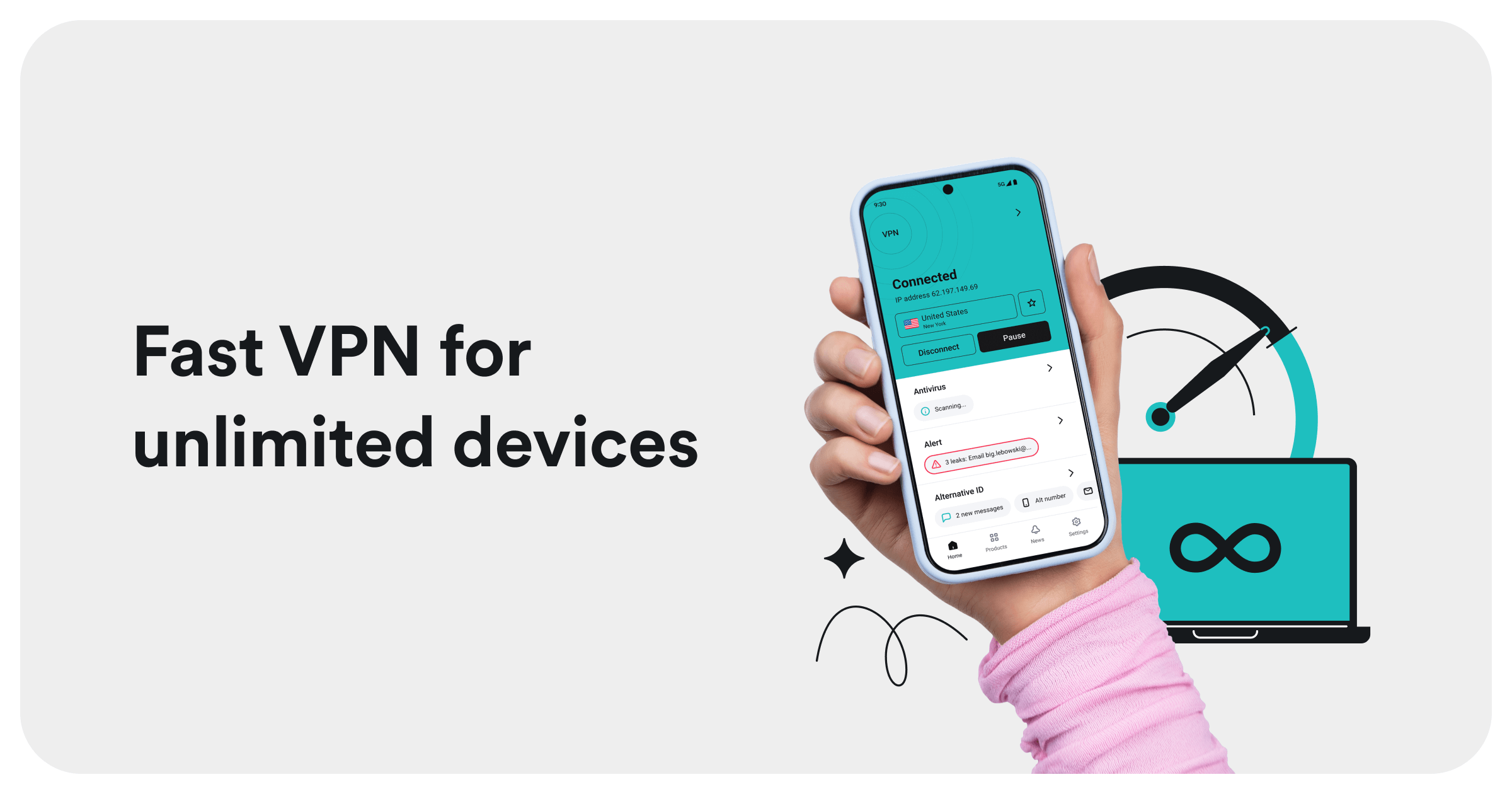
Count every device you expect to protect, including phones, laptops, tablets, streaming boxes, and family computers. Some subscriptions support a fixed number of simultaneous connections, while others allow unlimited devices. Unlimited access can offer substantial value for a household, provided the service has quality applications for the platforms being used.
Router installation can protect devices that lack native VPN apps, but it requires more setup and may reduce performance on older hardware. Confirm router compatibility before assuming that one subscription will effortlessly cover an entire smart home, including the refrigerator that somehow now has opinions about firmware.
Also consider usability. An advanced application with dozens of controls is excellent for enthusiasts but intimidating for someone who only wants to tap Connect. A good VPN deal should fit the people who will actually use it.
Common Red Flags Hidden Behind Big Discounts
- An unexplained award: The advertisement displays badges without naming the publication, testing organization, year, or award category.
- Vague logging language: The provider promises “total anonymity” but does not explain its data-retention practices.
- No recent independent audit: Security claims rely entirely on the company’s own marketing.
- A mysterious parent company: Ownership information is difficult to locate or conflicts across policy pages.
- Artificial urgency: A countdown timer resets whenever the page is refreshed, apparently operating in its own tiny time zone.
- Unclear renewal terms: The promotional price is prominent, but the later billing amount is buried or omitted.
- Overpromising: The service claims to stop every hacker, eliminate all tracking, guarantee unrestricted streaming, or make users completely anonymous.
- Poor application maintenance: Apps receive infrequent updates, lack essential platform features, or attract recurring reports of connection failures.
Long-Term Subscription or Monthly Plan?
Long-term VPN deals generally produce the lowest monthly equivalent. They make sense when the provider has been thoroughly researched, the applications work well on your devices, and the refund policy provides enough time for testing.
A monthly plan costs more but reduces commitment. It is useful for a short trip, temporary remote work, or an extended test before buying a multiyear subscription. An annual plan often offers a sensible middle ground.
Lifetime VPN deals require special caution. “Lifetime” usually refers to the lifetime of the product or company, not necessarily the buyer. Operating a global server network creates continuing expenses, so a one-time payment must support years of infrastructure somehow. Examine the written terms, update history, and business model before committing.
A Practical Checklist Before You Buy
- Identify the tasks you need the VPN to handle.
- Verify the award, publisher, date, and testing category.
- Read the privacy policy and independent audit summaries.
- Research the provider’s owner and security history.
- Calculate the total upfront price and effective monthly cost.
- Find the standard renewal rate and automatic-renewal setting.
- Confirm support for every required device and operating system.
- Check simultaneous connection limits.
- Verify the refund window and payment restrictions.
- Test speed, leaks, the kill switch, support, and essential websites immediately after subscribing.
If an offer survives that checklist, it is more than a tempting VPN discount. It is a defensible purchase.
Experiences With an Award-Winning VPN Deal
The following composite experience reflects common situations reported in independent VPN testing and ordinary consumer use. It is not a claim of personal ownership or a promise that every network will produce identical results.
Day One: The Attractive Price Meets the Checkout Page
Imagine a remote worker named Alex finding an award-winning VPN deal advertised at less than the price of a monthly coffee. The landing page highlights strong encryption, quick servers, numerous device connections, and a 30-day refund period. Everything looks excellent until checkout reveals that the entire two-year term must be paid upfront.
Alex pauses and calculates the actual cost instead of treating the monthly equivalent as a monthly bill. The total is still competitive, so Alex checks the renewal terms, saves a copy of the offer, and creates a reminder several weeks before automatic renewal. Five minutes of administrative caution prevents a potentially expensive surprise two years later.
The First Week: Testing Real Life, Not Just a Speedometer
Installation is straightforward on a Windows laptop and Android phone. With the automatic protocol enabled and a nearby server selected, ordinary browsing feels almost unchanged. A speed test shows some reduction, which is expected, but video calls remain stable and large downloads complete comfortably.
Alex then tries a distant server and sees higher latency. That result is not evidence of a broken VPN; it is a reminder that data now has farther to travel. The nearby server becomes the default, while distant locations are reserved for specific needs.
At a cafe, the VPN connects automatically before Alex opens email and cloud documents. This feels reassuring, but Alex still confirms the network name, uses multifactor authentication, and avoids ignoring browser security warnings. The VPN is one layer in the safety routine, not a digital force field staffed by tiny bodyguards.
Finding the Useful Features
The kill switch is disabled by default, so Alex enables it and briefly disconnects the VPN to verify that traffic stops. Split tunneling also proves useful: a local printer bypasses the VPN while the browser and work applications stay inside the encrypted tunnel.
The subscription includes an ad and tracker filter. It reduces clutter on several websites, although it does not replace browser privacy controls or dedicated malware protection. Alex skips the premium identity bundle because those extras duplicate services already in use. The cheapest appropriate tier turns out to be more valuable than the biggest bundle.
The Minor Friction That Reviews Sometimes Miss
One banking website requests additional verification when Alex connects through a distant server, and a streaming application occasionally rejects a particular location. Switching to a nearby server resolves the banking issue, while another supported server restores streaming access. These interruptions are manageable, but they demonstrate why a refund window matters.
Battery use on the phone rises slightly during long sessions, and the VPN must be updated like any other security application. Customer support responds clearly to a setup question, which becomes one of the most meaningful parts of the test. A bargain is less charming when assistance disappears the moment something stops working.
The Verdict After Several Weeks
The award-winning VPN deal succeeds because it provides stable everyday performance, transparent settings, a working kill switch, modern protocols, and applications that Alex actually enjoys using. The award initially attracted attention, but practical testing justified the purchase.
The broader lesson is simple: the best VPN deal is not the service with the loudest badge or most dramatic discount. It is the one that earns trust after installation, performs reliably on the buyer’s own network, and charges a clearly understood price. Awards may open the door; evidence gets the subscription across the threshold.
Conclusion
An award-winning VPN deal can deliver excellent value, particularly for households, travelers, remote workers, and privacy-conscious users. Look beyond the promotional percentage and evaluate the provider’s privacy policy, independent audits, ownership, protocols, kill switch, device support, server performance, refund rules, and renewal price.
A reputable VPN can encrypt traffic in transit and mask a public IP address, but it cannot eliminate cookies, secure weak passwords, remove malware, or guarantee anonymity. Combine it with updated software, multifactor authentication, strong account credentials, and sensible browsing habits. That collection of habits may not fit on a glamorous award badge, but it is considerably more useful.
Note: VPN prices, bonus months, server availability, platform features, and streaming compatibility can change without notice. Verify the current offer and use VPN services in accordance with applicable laws and platform terms.