Adding a link to a Facebook Story sounds like it should be as easy as putting cheese on pizza: open the app, paste the link, enjoy the clicks. In reality, Facebook likes to keep things interesting. Depending on your account type, Page role, app version, region, and whether Meta is currently testing a feature on your profile, the exact link option may look slightly differentor may not show up at all.
The good news? You still have practical ways to share a clickable link through Facebook Stories. The two quickest methods are using the Facebook Story link option when it is available, or creating an Instagram Story with a link sticker and sharing it to Facebook. Both methods can help you promote a blog post, product page, booking link, YouTube video, event registration page, newsletter signup, or any landing page you want your audience to visit.
In this guide, you will learn how to add a link to a Facebook Story, what to do if the link sticker is missing, how to make your story more clickable, and how to avoid the tiny mistakes that quietly murder your tap-through rate. Dramatic? Maybe. Accurate? Very.
Can You Add a Clickable Link to a Facebook Story?
Yes, but with one important warning: the option is not always available to every personal profile in the same way. Facebook often rolls out Story features gradually, and some tools appear more consistently on Pages, professional accounts, or accounts connected to Meta Business tools. For some users, the link option may appear as a sticker or link button inside the Story editor. For others, the simplest route is to use Instagram’s Link sticker and share that Story to Facebook.
What usually does not work well is simply typing a long URL over your Facebook Story as plain text. Viewers may see the address, but it may not be clickable. That means they would have to memorize it, screenshot it, or manually type it into a browser. Let’s be honest: most people will not do that unless your link gives away free tacos, concert tickets, or the secret to folding fitted sheets.
For best results, use a real clickable Story link tool whenever possible. If Facebook does not show one, use Instagram’s Story Link sticker and cross-post the Story to Facebook. That second method is often the most dependable workaround for creators, small businesses, bloggers, and marketers.
Method 1: Add a Link Directly in a Facebook Story
This is the fastest method if your Facebook app or Page has access to the link feature. It is especially useful for Facebook Pages, creators, and businesses that want to send viewers directly to a website, product, article, sign-up page, or event.
Step 1: Open Facebook and Start a New Story
Open the Facebook app on your iPhone or Android device. At the top of your Feed, tap Create Story or Add to Story. If you manage a Facebook Page, switch into the Page first, then create a Story from that Page. This matters because a feature available on your Page may not appear on your personal profile.
Choose a photo, video, graphic, or simple background. For link stories, a clean visual usually works better than a cluttered one. If your viewer needs a magnifying glass and emotional support to understand your Story, simplify it.
Step 2: Look for the Link Option
After you add your image or video, check the editing tools. Depending on your app version, you may see a sticker icon, a link icon, or another option that lets you attach a URL. Tap the available link-related option and paste your destination URL.
Use the full link, including https://. For example, use https://example.com/summer-sale instead of example.com/summer-sale. A complete URL is less likely to fail, and it looks more professional when copied into tracking tools or campaign reports.
Step 3: Add Clear Call-to-Action Text
A clickable link is useful, but it is not magic. Tell people what to do. Add short text such as:
- Tap to read the full guide
- Shop the new collection
- Book your spot today
- Watch the full video
- Get the checklist here
Keep the call to action simple. A Story is not the place for a five-paragraph sales pitch. It is a billboard, not a dissertation. The viewer should understand the offer in two seconds or less.
Step 4: Preview and Publish
Before posting, preview the Story. Make sure the link sticker or link area does not cover an important face, product, price, headline, or button in your image. If your Story includes text, leave enough space around the clickable area so viewers can easily tap it with their thumb.
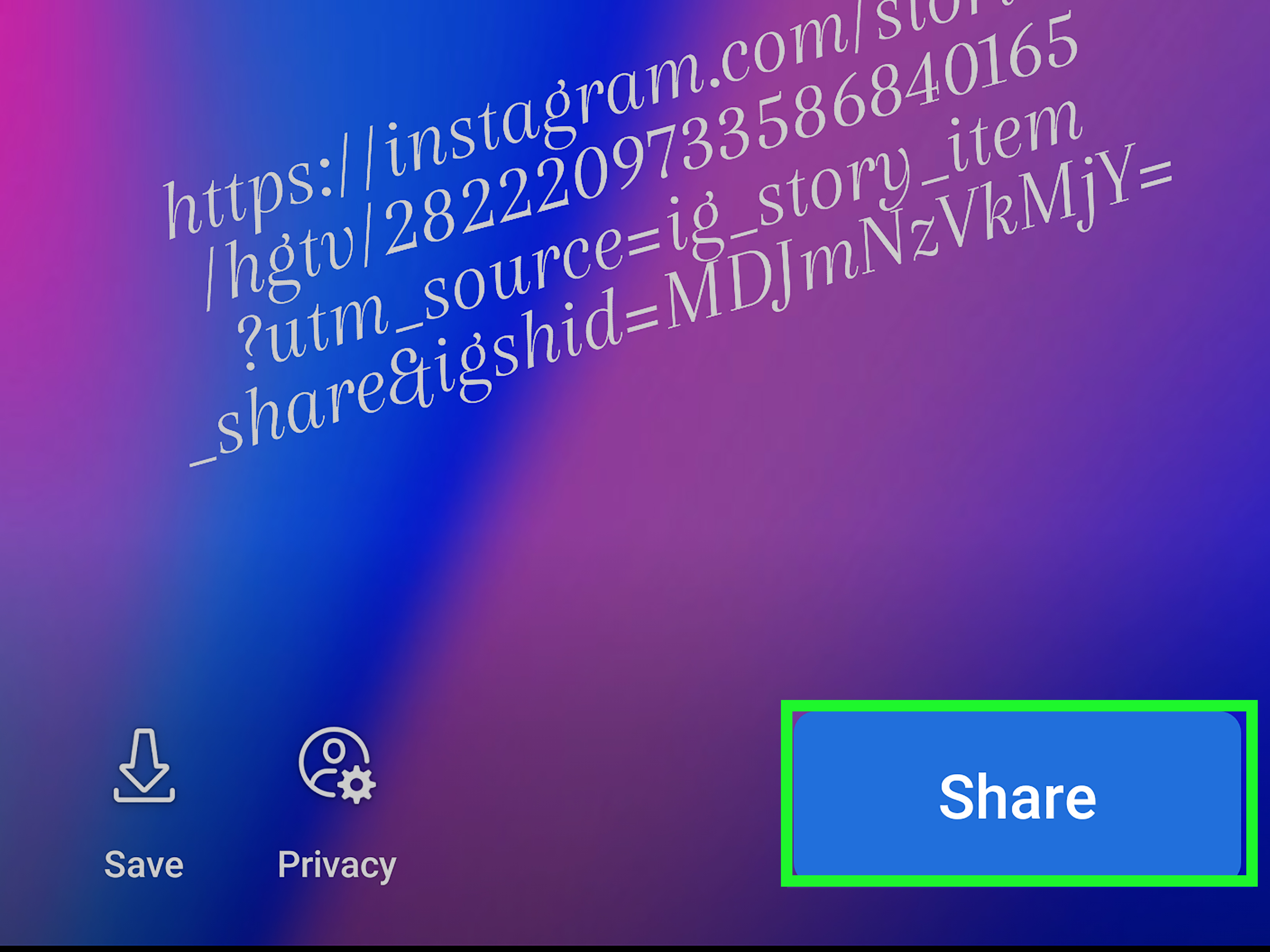
When everything looks good, tap Share or Share to Story. After publishing, view your own Story and test the link. This final check takes ten seconds and can save you from sending hundreds of people to a broken page, a 404 error, or your homepage when you meant to send them to a product page.
Method 2: Add a Link in Instagram Story and Share It to Facebook
If you do not see a link option in Facebook Stories, this method is often the easiest workaround. Instagram’s Link sticker is widely available, and Instagram allows Stories to be shared to Facebook when your accounts are connected through Meta’s account settings.
Step 1: Connect Instagram and Facebook
Open Instagram and go to your profile. From the menu, open your settings and look for account sharing, crossposting, or Accounts Center. Connect your Instagram account to the Facebook profile or Page where you want your Story to appear.
If you manage a business or creator account, make sure the correct Facebook Page is connected. Many people accidentally connect the wrong Page, then wonder why their Story shows up in a place last updated in 2017. Check first. Future you will be grateful.
Step 2: Create Your Instagram Story
In Instagram, tap the plus button and choose Story. Upload or capture your photo or video. Then tap the sticker icon and select Link. Paste your URL and, if available, customize the sticker text.
Customized sticker text is usually better than showing a raw URL. For example, instead of displaying a long product link with tracking parameters, use text like Read the guide, Claim the offer, or See the recipe. Short, benefit-focused text gets more attention and looks cleaner.
Step 3: Share the Story to Facebook
Before posting, choose the option to share your Instagram Story to Facebook. You may see choices such as Share once or Always share to Facebook. If this is a one-time promotion, choose the one-time option. If you want all future Instagram Stories to cross-post, enable automatic sharing.
After publishing, open Facebook and check your Story. Tap the link to confirm it works properly. If the link does not carry over as expected, delete the Facebook version and try posting directly through Facebook, or publish a Facebook Story with a visual callout that directs users to the link in your Page post or profile bio.
Which Method Should You Use?
Use the direct Facebook Story link method if the link option appears in your Facebook app or Page tools. It is faster, keeps your workflow inside one app, and is ideal for Page managers who want to promote time-sensitive campaigns.
Use the Instagram-to-Facebook method if your Facebook Story editor does not show a link feature. It is also a smart choice if your audience follows you on both platforms and you already create Instagram Stories as part of your content routine.
For businesses, the best approach is to test both. Post similar Stories using each method and compare link clicks, replies, reach, and conversions. Sometimes the “best” method is not the one that looks prettiest in theory. It is the one that actually gets people to tap.
Best Practices for Facebook Story Links
Use One Link Per Story
Do not ask viewers to choose between five different links in one Story. Too many options create decision fatigue. Send people to one clear destination: one product, one article, one signup page, one video, or one offer.
Make the Value Obvious
People tap when they understand what they get. Instead of writing Tap here, try Get the free checklist, See today’s sale, or Learn the 2-minute fix. Specific beats vague almost every time.
Design for Thumbs
Most viewers watch Stories on a phone. Place the link sticker where it is easy to tap, but not so low that it competes with navigation controls. Keep important text away from the top and bottom edges of the screen.
Use Short, Clean Landing Pages
A great Story can still fail if the landing page loads slowly or looks confusing on mobile. Before you post, open the link on your phone. If the page takes forever to load, has tiny text, or hides the main button like it is in a witness protection program, fix the page first.
Add UTM Tracking When Needed
If you are using Facebook Stories for marketing, add UTM parameters to your link so you can track traffic in analytics tools. For example, you might tag the source as Facebook, the medium as Story, and the campaign as your promotion name. This helps you see whether Story traffic is actually doing anything useful after the tap.
Common Problems and Quick Fixes
The Link Sticker Is Missing
If you do not see a link sticker or link option, update your Facebook app, switch from your personal profile to your Page, check your account role, or try the Instagram cross-posting method. Feature availability can vary, so do not panic if your screen looks different from someone else’s tutorial.
The Link Is Not Clickable
If you typed the URL as plain text, it may not work as a clickable link. Use the actual link sticker or link tool. If you shared from Instagram, check whether the clickable sticker carried over properly to Facebook.
The Link Opens the Wrong Page
Copy the URL again from your browser, not from an old note or message thread. Remove accidental spaces. Test the link before publishing. If you use a shortened URL, confirm that it redirects to the correct page.
The Story Gets Views but No Clicks
This usually means the Story is not giving viewers enough reason to tap. Improve the hook, make the benefit clearer, and add a direct call to action. “New blog post” is okay. “Avoid these 7 costly mistakes before buying a used car” is much stronger.
Examples of Facebook Story Link Ideas
Not sure what to link to? Try these practical ideas:
- A new blog post or tutorial
- A product page for a featured item
- A limited-time discount or coupon page
- A YouTube video or podcast episode
- An event registration page
- A restaurant menu or reservation page
- A newsletter signup form
- A downloadable guide, checklist, or template
- A customer review page or case study
- A booking page for services
The best links match the Story content. If your Story shows a before-and-after room makeover, link to the full renovation guide. If your Story shows a product demo, link to the product page. If your Story shows a short cooking clip, link to the recipe. Relevance is what turns curiosity into clicks.
How to Make More People Tap Your Facebook Story Link
Start with a strong first frame. Stories move fast, and viewers are ruthless with their thumbs. Use a bold headline, a clear visual, or a quick question. For example, “Need a faster way to plan meals?” is more engaging than “Meal planning article now live.”
Next, create a reason to tap. People do not click because a link exists. They click because they want the result behind the link. Focus on the benefit: save money, learn something, solve a problem, get inspired, compare options, reserve a spot, or avoid a mistake.
Finally, keep the journey smooth. If the Story promises a free template, the link should go directly to that template pagenot to your homepage, not to your blog archive, and definitely not to a page where the user has to hunt like they are solving a mystery novel.
Extra Experience Notes: What Actually Works When Sharing Links in Facebook Stories
From a practical content marketing perspective, the biggest lesson is simple: a Facebook Story link works best when it feels like a natural next step, not a random billboard. Viewers are usually tapping through Stories casually. They may be standing in line, sitting on the couch, or pretending to listen during a meeting. Your job is to make the link feel instantly useful.
One common mistake is posting a Story that says only, “New post is up!” That may work if you already have a loyal audience, but for most brands and creators, it is too weak. A better approach is to tease the most interesting part of the content. If your link leads to an article about saving money on home repairs, your Story could say, “Most homeowners miss this cheap fix until it becomes expensive.” That creates curiosity and gives the viewer a reason to tap.
Another useful experience-based tip is to match the Story style to the destination. If you are linking to a serious guide, use a clean design with readable text. If you are linking to a fun quiz, use playful stickers or a question. If you are promoting a product, show the product in use instead of just posting a flat screenshot of the product page. People respond better when they can imagine the result.
Timing also matters. A Story link posted when your audience is active will usually perform better than one posted at a random dead hour. For many brands, mornings, lunch breaks, and evenings are worth testing. However, every audience behaves differently. A fitness coach, local bakery, online shop, and B2B consultant may all see different patterns. Test several posting times and track which Stories get the most taps.
Do not forget repetition, either. Since Facebook Stories disappear after 24 hours, one link Story may not be enough. If the campaign is important, create a short sequence: first Story introduces the problem, second Story shows the solution, third Story includes the link. This feels more natural than shouting “CLICK THIS” into the void and hoping the algorithm sends help.
Finally, review performance after the Story expires. If your Story received many views but few taps, the offer or call to action may need work. If it received few views, your timing or opening frame may be the issue. If people tapped but did not convert, the landing page may be the weak link. The Story is only one part of the path. A clickable link gets people through the door, but the page behind it has to welcome them in, not confuse them and steal their patience.
Conclusion
Learning how to add a link to a Facebook Story is useful for creators, businesses, bloggers, marketers, and anyone who wants to move people from a quick Story view to a meaningful action. The direct Facebook method is the fastest when your account has access to the link option. The Instagram Link sticker method is the best backup when Facebook does not show a clickable link tool.
Whichever method you choose, remember that the link itself is only part of the strategy. Your visual, message, call to action, timing, and landing page all affect whether people tap. Keep your Story simple, make the benefit obvious, and always test the link before posting. Your audience should need only one thought: “That looks usefulI’m tapping.”