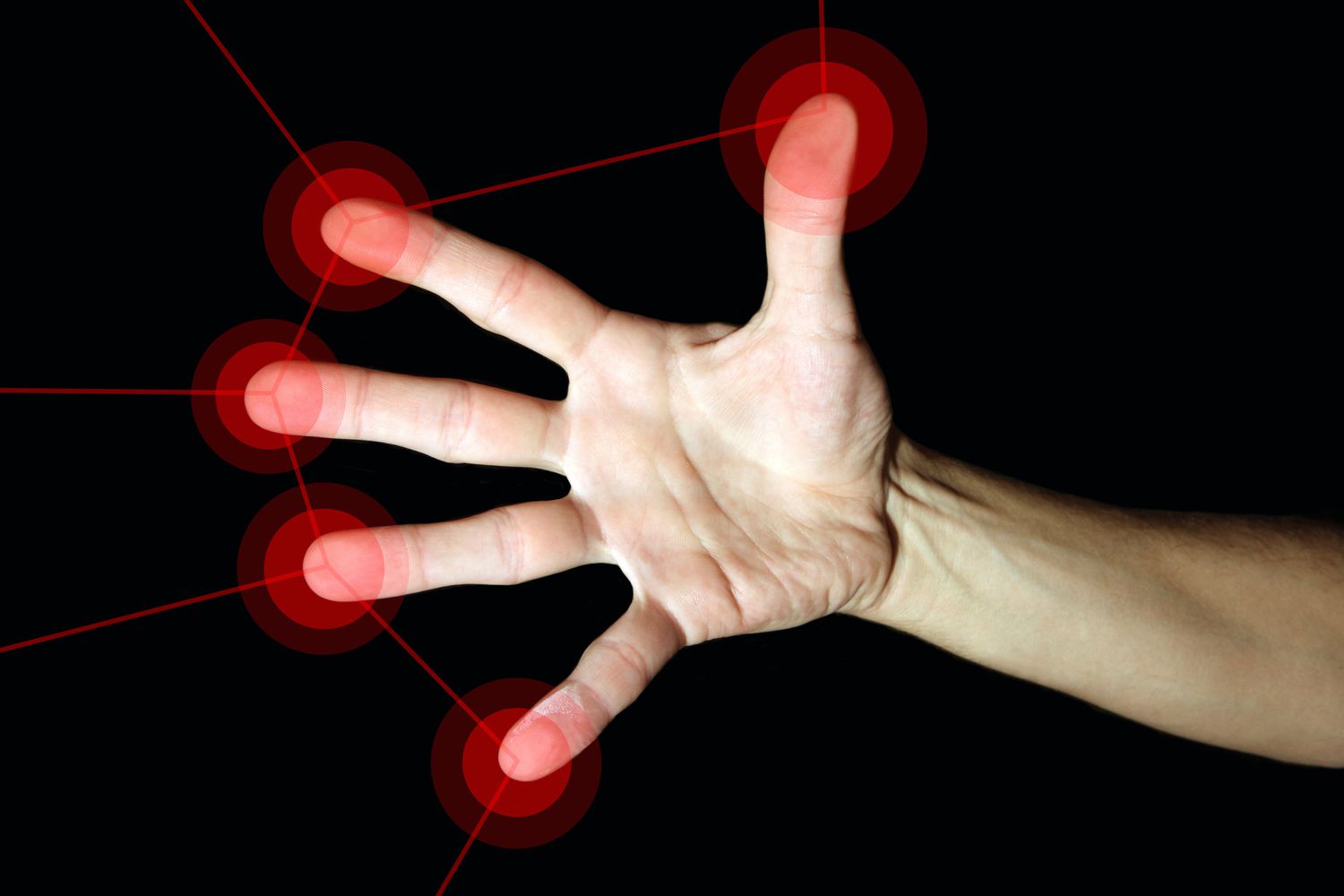
Haptics are the reason your phone taps your finger when you type, your smartwatch nudges your wrist before a meeting, and your game controller somehow convinces your hands that rain, gravel, or a bowstring exists inside a plastic rectangle. In simple terms, haptics are technologies that communicate through touch. Instead of only showing information on a screen or playing a sound, a haptic system creates a physical sensation: a vibration, click, pulse, resistance, pressure, or motion.
The word may sound like something invented in a secret basement by engineers wearing tiny goggles, but the concept is very human. Touch is one of the oldest ways we understand the world. A doorknob tells us whether it turns. A keyboard key confirms it has been pressed. A steering wheel tells us when the road is rough. Haptic technology takes that natural language of touch and translates it into digital experiences.
Today, haptic feedback appears in smartphones, tablets, smartwatches, laptops, cars, game controllers, VR systems, medical training tools, robotics, accessibility devices, and even experimental mid-air interfaces. Good haptics feel almost invisible. Bad haptics feel like a tiny lawn mower trapped inside your device. The difference comes down to hardware, software, timing, design, and whether the vibration actually means something.
What Are Haptics?
Haptics refer to touch-based feedback created by a device or system. In technology, haptic feedback usually means a device produces a physical sensation in response to a user action, system alert, or virtual event. Press a virtual keyboard key and feel a small tap? That is haptics. Scroll a digital crown and feel tiny notches? Haptics again. Pull a trigger in a game and feel resistance? Also haptics, wearing a slightly more dramatic jacket.
Haptics are not limited to basic vibration. Modern haptic technology can create different textures, pulses, rhythms, intensities, and force sensations. Some systems use motors. Others use piezoelectric actuators, ultrasound, electrostatic friction, air pressure, mechanical resistance, or robotic force feedback. The goal is usually the same: make digital interaction feel more physical, useful, and believable.
Why Haptics Matter
Haptics matter because screens are flat, and humans are not. A touchscreen can show a button, but your finger cannot feel its edge unless the device creates a sensation. Haptic feedback fills that gap. It gives confirmation, direction, warning, realism, or emotional polish.
In user interface design, haptics can reduce uncertainty. When a phone gives a crisp tap after a successful action, your brain receives a quick “yes, that worked” message. In gaming, haptics can increase immersion by matching physical feedback to on-screen events. In accessibility, touch cues can support people who may not rely fully on visual or audio feedback. In industrial or medical training, force feedback can help users practice delicate movements in a simulated environment.
The best haptics are not just decorative sprinkles on a digital cupcake. They are part of the communication system. Used well, they make technology feel more natural. Used badly, they become annoying buzz confetti.
How Do Haptics Work?
Most haptic systems follow a simple chain: something happens, software decides what feedback should occur, hardware creates a physical effect, and your body interprets it as touch.
1. A User Action or Digital Event Happens
The process often begins with an input. You tap a button, receive a notification, crash a virtual race car, draw with a stylus, unlock your phone, or move a VR controller. The device detects the event through software and sensors.
2. Software Selects a Haptic Pattern
Next, the operating system or app chooses a haptic effect. This can be a short tap, a double pulse, a long vibration, a ramping buzz, a textured pattern, or a force response. Modern platforms often provide predefined haptic patterns so apps feel consistent. For example, mobile systems may include built-in feedback for toggles, pickers, keyboard taps, confirmations, errors, and selection changes.
3. A Driver Sends Power to an Actuator
The software instruction passes to a haptic driver, a small electronic control system that tells the physical actuator what to do. Think of the driver as a music conductor, except the orchestra is one tiny component shaking, pressing, bending, or resisting at exactly the right moment.
4. The Actuator Creates Motion, Pressure, or Resistance
The actuator is the part that creates the sensation. In phones, this might be a linear resonant actuator. In older devices, it might be an eccentric rotating mass motor. In advanced touch surfaces, it might be piezoelectric. In VR gloves, it could be motors, brakes, air bladders, or force-feedback mechanisms. In mid-air systems, ultrasonic waves can focus energy onto the skin so users feel a sensation without touching a surface.
5. Your Skin, Muscles, and Brain Interpret the Signal
Your body contains receptors that detect pressure, vibration, stretch, and motion. When a haptic actuator moves, those receptors send signals to your nervous system. Your brain then interprets the sensation as a click, buzz, tick, texture, resistance, impact, or alert. The device does not literally create a real button or raindrop, but it can create a convincing cue that your brain understands quickly.
Main Types of Haptic Feedback
Vibrotactile Feedback
Vibrotactile feedback is the most common type of haptics. It uses vibration to create touch sensations. Phones, wearables, controllers, and many handheld devices rely on this approach because it is compact, familiar, and relatively power-efficient when designed well.
A basic vibration can alert you. A refined vibration can feel like a click, tick, bump, or textured movement. The quality depends on the actuator, the device structure, timing, frequency, amplitude, and how carefully the pattern is designed.
Force Feedback
Force feedback creates physical resistance or pushback. You may have felt this in racing wheels, flight simulators, medical training tools, robotic controls, or gaming triggers. Instead of simply vibrating, the system pushes against your movement or changes how much effort is required.
This type of haptics is useful when the user needs to feel weight, stiffness, collision, tension, or boundaries. In a simulator, force feedback can help a trainee understand when a virtual tool contacts tissue, a vehicle loses traction, or a robotic arm reaches a limit.
Kinesthetic Haptics
Kinesthetic haptics involve the sense of body movement and position. These systems often affect muscles, joints, and larger motions rather than only the skin. A robotic arm that resists your hand movement or a VR device that simulates the edge of a virtual wall would fall into this category.
Surface Haptics
Surface haptics change how a flat surface feels. Some systems use vibration or electrostatic effects to alter friction between your finger and the screen. The result can make glass feel like it has ridges, bumps, or different textures. It is still a developing area, but it points toward a future where touchscreens may feel less like cold pancakes and more like actual interactive objects.
Mid-Air Haptics
Mid-air haptics create touch sensations without requiring the user to hold or touch anything. Ultrasonic systems can use arrays of small speakers to focus sound energy at a point in space. When the focused energy meets your hand, you feel a tactile point, pulse, or shape. This can be useful for gesture interfaces, public kiosks, automotive controls, accessibility systems, and VR or AR environments.
Common Haptic Actuators Explained
ERM Motors
An eccentric rotating mass motor, or ERM, uses a tiny off-center weight attached to a motor. When the motor spins, the uneven mass creates vibration. ERM motors are simple and inexpensive, which is why they appeared in many early phones and controllers. Their downside is that they can feel slow, buzzy, and less precise. They are good at saying “something happened,” but not always great at saying “a beautifully designed micro-click just happened.”
LRA Motors
A linear resonant actuator, or LRA, moves a small mass back and forth along a straight line. LRAs can start and stop more quickly than many ERM motors, producing sharper and cleaner feedback. Many premium phones, wearables, and controllers use LRA-style haptics because they can create more refined tactile effects.
Piezoelectric Actuators
Piezoelectric actuators use materials that change shape when an electric field is applied. They can respond very quickly and create precise movement in thin spaces. This makes them attractive for touchscreens, wearables, advanced buttons, and surfaces where designers want crisp tactile feedback without bulky motors.
Ultrasonic Arrays
Ultrasonic haptics use high-frequency sound waves above the range of human hearing. By controlling timing and phase across many emitters, the system focuses acoustic energy into specific points. Users can feel those points as pressure or vibration on the skin. It sounds like science fiction, but it is real engineering: invisible touch, no wizard robe required.
Mechanical and Robotic Systems
Large haptic systems may use motors, brakes, linkages, cables, robotic arms, or exoskeleton-like mechanisms. These are common in research labs, industrial simulation, surgical training, teleoperation, and advanced VR prototypes. They can create stronger and more realistic force feedback than a phone-sized actuator, but they also require more space, power, safety controls, and cost.
Examples of Haptics in Everyday Life
Smartphones
Phones use haptic feedback for typing, long-press menus, biometric confirmation, alerts, camera controls, sliders, and system gestures. A high-quality phone haptic feels sharp and intentional. A low-quality one feels like the device is coughing politely into your hand.
Smartwatches
Wearables are perfect for haptics because they sit directly on the body. A smartwatch can deliver silent notifications, fitness cues, navigation taps, timers, and accessibility alerts. The feedback can be private, useful, and less disruptive than sound.
Game Controllers
Game controllers use haptics to communicate impact, environment, weapon recoil, road texture, weather, footsteps, tension, and direction. The PlayStation DualSense controller is a popular example because it combines detailed haptic feedback with adaptive triggers that can change resistance depending on the game situation.
Cars
Modern vehicles may use haptic feedback in touchscreens, steering wheels, lane warnings, parking alerts, and driver-assistance systems. A steering wheel vibration can warn a driver without requiring them to look away from the road. In-car touchscreens can use haptics to make glass controls feel more button-like.
Virtual Reality and Augmented Reality
VR and AR need haptics because vision alone cannot sell the illusion. A virtual object looks more believable when your hand receives a matching touch cue. Current consumer VR haptics are still limited, mostly relying on controller vibration, but research is pushing toward gloves, suits, ultrasound, robotic props, and wearable pressure systems.
Medical Training and Robotics
In medicine and robotics, haptics can provide critical touch information. Surgeons, trainees, or robot operators may need to feel resistance, pressure, or texture while working through a digital or remote interface. This is one reason haptic technology matters far beyond entertainment.
Good Haptics vs. Bad Haptics
Good haptics are meaningful, brief, consistent, and matched to the action. They help the user understand what happened without demanding attention. A subtle tap for selection, a firm pulse for confirmation, or a warning vibration for an urgent event can all work beautifully.
Bad haptics are random, excessive, delayed, or too strong. If every button press triggers a dramatic earthquake, users will turn the feature off faster than you can say “premium tactile engagement.” Haptic design is not about maximum buzz. It is about the right sensation at the right time.
Why Timing Is Everything
For haptic feedback to feel natural, timing must be tight. If a tap happens noticeably after the visual action, the brain detects the mismatch. The user may not know the technical reason, but the experience feels cheap or broken. Great haptics line up with visuals and sound so the event feels unified.
This is why operating systems and hardware makers spend so much effort on haptic APIs, drivers, and actuator control. A haptic effect is not just “turn vibration on.” It is a tiny performance involving frequency, duration, intensity, waveform, latency, device materials, and human perception.
Haptics and Accessibility
Haptics can improve accessibility when designed thoughtfully. Touch feedback can support users who prefer silent alerts, cannot rely fully on sound, or need additional confirmation beyond visual cues. A vibration can guide attention, confirm an action, or provide navigation assistance without adding clutter to the screen.
However, haptics should usually be adjustable. Some users find vibration distracting, uncomfortable, or unnecessary. Strong accessibility design gives people control over intensity, patterns, and whether haptics are enabled at all.
The Future of Haptic Technology
The future of haptics is moving beyond simple vibration. Researchers and companies are exploring touchscreens with texture, wearable sleeves that simulate pressure, VR gloves that create resistance, ultrasound systems that render mid-air buttons, and tools that translate digital data into tactile cues.
One major challenge is realism. Human touch is incredibly complex. We can detect tiny changes in texture, temperature, pressure, motion, and timing. Recreating that full richness digitally is difficult. Another challenge is practicality. A powerful haptic glove may feel amazing, but if it costs too much, weighs too much, or requires twenty minutes to put on, most people will choose the boring controller and a snack.
Still, the direction is clear. As devices become more immersive, touch will become more important. The next generation of interfaces will not only ask what users can see and hear. They will ask what users can feel.
Real-World Experiences With Haptics: The Little Buzzes That Teach Us
The easiest way to understand haptics is to notice how often they quietly help during everyday life. Think about typing on a phone keyboard. Without haptic feedback, tapping glass can feel oddly empty, like drumming on a window and hoping the window has opinions. Add a small tactile tick, and suddenly each key press feels more certain. The feedback does not need to be dramatic. In fact, the best keyboard haptics are usually short, dry, and subtle. They say, “Yes, that letter happened,” then get out of the way.
Smartwatch haptics offer a different kind of experience. A vibration on the wrist can feel personal in a way a ringtone never will. It can remind you to stand, alert you to a message, guide you during a workout, or nudge you before a calendar event. A good watch tap feels like a tiny assistant politely knocking on your wrist. A bad one feels like a mosquito with a productivity app.
Gaming shows the emotional side of haptic feedback. In a racing game, subtle controller vibration can make asphalt, gravel, and collision feel different. In an adventure game, a controller can pulse during footsteps, impacts, or environmental effects. The feedback does not perfectly recreate reality, but it adds a layer of physical imagination. Your hands become part of the scene. You are no longer only watching the action; you are receiving tiny physical clues from it.
VR haptics are especially interesting because they reveal both the magic and the limits of the technology. A controller vibration can make grabbing a virtual object feel more convincing, but it cannot fully simulate the object’s shape, weight, or temperature. That gap is why researchers are working on gloves, wearable sleeves, robotic props, and mid-air haptics. The dream is to make virtual objects feel less like ghosts and more like things you can actually touch.
Haptics also change how users judge quality. Two phones may run the same app, but the one with tighter, cleaner haptic feedback often feels more premium. The device seems faster, even when it is not. It feels more responsive because the body receives instant confirmation. That is the secret power of haptics: they influence perception. A crisp tap can make software feel confident. A mushy buzz can make expensive hardware feel like it came from a vending machine.
The most memorable haptic experiences are usually the ones that match meaning. A gentle tick while scrolling a picker feels useful. A strong pulse for an emergency alert feels appropriate. A textured vibration in a game feels immersive. But when an app vibrates for every tiny action, the charm disappears. Haptics are seasoning, not soup. Add the right amount and the experience feels alive. Dump in too much and users start searching settings like detectives with a grudge.
Conclusion
Haptics are touch-based technologies that make digital experiences feel physical. They work by turning software events into controlled sensations through actuators, motors, ultrasound, friction changes, pressure systems, or force-feedback mechanisms. From smartphone taps to VR gloves and game controllers, haptic feedback helps users confirm actions, understand information, and feel more connected to digital environments.
The big idea is simple: technology should not only look smart; it should feel smart. As haptic hardware improves and designers learn to use touch more carefully, our devices will become more intuitive, immersive, and human. The future may still have plenty of screens, but the best interfaces will also know how to give your fingers a proper handshake.